

.svg)
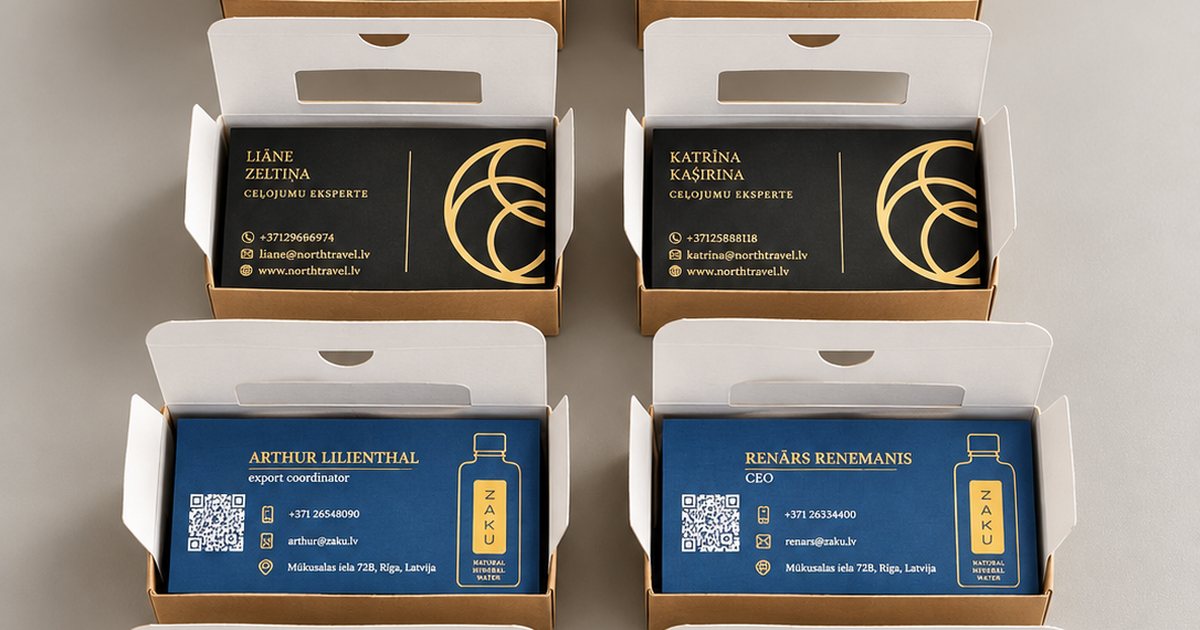
A business card is still one of the simplest and most effective ways to leave a lasting impression. You hand it over in person, it stays in a wallet or on a desk, and a well-made card says more about your company than just your contact details. But as soon as you start comparing prices, you realise there is no single answer: the same number of cards can cost very different amounts. Why is that?
In this article we explain what actually makes up the price of business card printing in Riga, where it pays to invest and where you can safely save. That way you can compare quotes on substance, not just on the final number.
1. Quantity — the biggest price driver
Most of the cost of a print job lies in the set-up: checking the file, preparing the press, calibrating colour and cutting. These costs are almost the same whether you print 50 or 500 cards. That is why the price per card drops as the quantity goes up.
- Small runs (50–250 pcs) — ideal for new team members, testing a design or a single event. The price per card is higher, but the total stays low.
- Medium runs (500–1,000 pcs) — the most common choice for companies, and usually the best balance of price and quantity.
- Large runs (several thousand) — worthwhile when you order for the whole team at once or the design will not change for a long time.
A practical tip: if you are ordering cards for several colleagues with the same design, combine the order. The larger combined run lowers the price per card for everyone.
2. Printing method: digital, offset or screen printing
Business cards are produced in three main ways, and the right choice depends both on quantity and on the effect you want to achieve.
- Digital printing — no printing plates, fast and cost-effective for small and medium runs. You can change the name and phone number on each card at no extra cost. Read more on our digital printing page.
- Offset printing — requires plates, so the set-up cost is higher, but on large runs the price per card becomes very low. Offset also reproduces Pantone colours precisely.
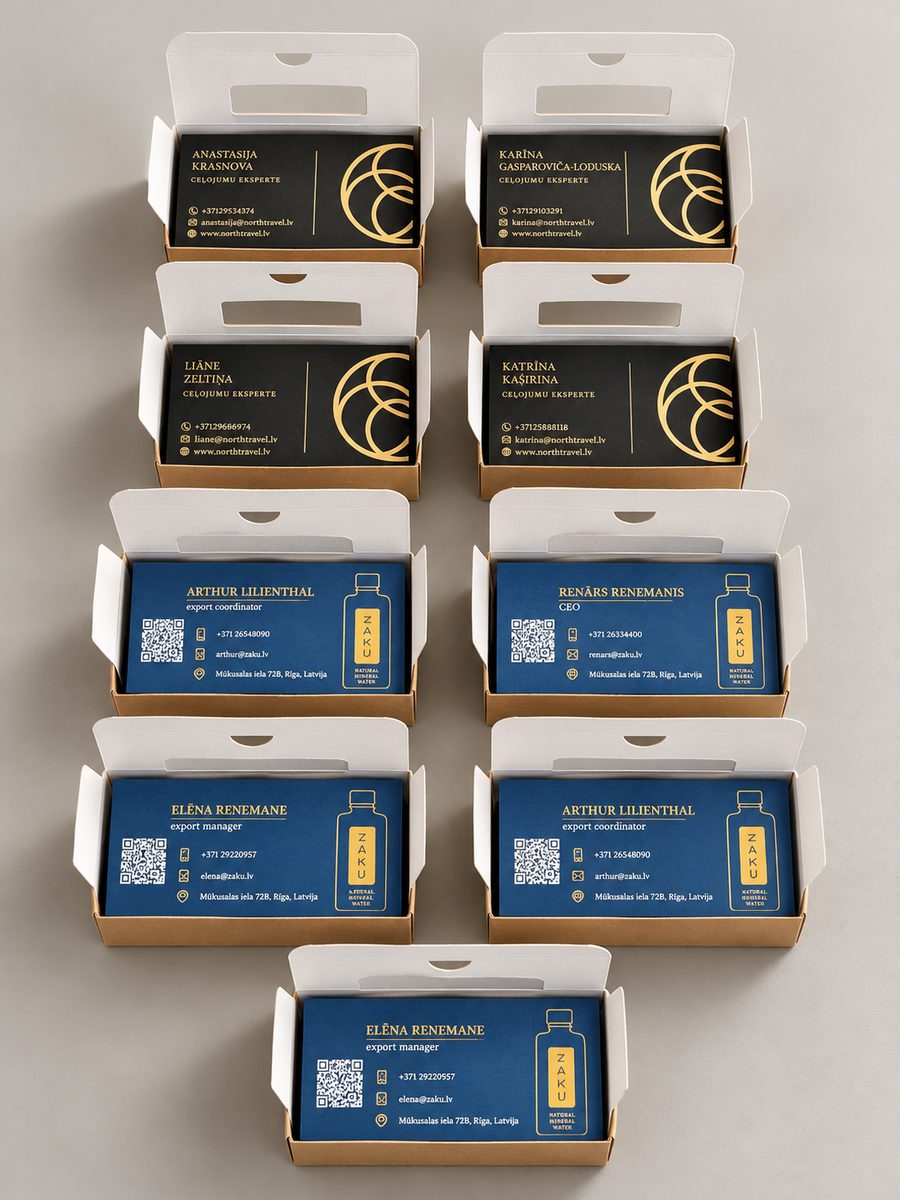
- Screen printing — ink is pushed through a mesh in a thick, rich layer that is clearly visible and can even be felt slightly. Screen printing lets you print on materials that other methods struggle with: dark or coloured designer board, kraft paper and extra-thick board. You can use opaque white, metallic and fluorescent inks. It works best for designs with 1–3 solid colours rather than photos and gradients. Each colour needs its own screen, so set-up costs more, but the result is truly distinctive.
Screen printing is a great choice when you want your card to stand out at first glance — for example, a white logo on black board or gold lettering on kraft paper.
The good news is that you do not have to decide on your own. Tell us the quantity and the result you want, and we will recommend the most cost-effective option.
3. Paper: weight, texture and quality
Paper is the first thing a client feels — even before they read your name. That makes it one of the main factors in the price.
- Standard coated paper (300–350 gsm) — matt or gloss, reproduces colour well and is the most affordable option.
- Designer papers — textured (linen, felt, embossed patterns), coloured or recycled. They look and feel premium, but cost more.
- Extra-thick board (400–600 gsm and above) — gives a sense of solidity and quality, often combined with foil, embossing or screen printing.
- Duplex (laminated board) — two sheets bonded together, sometimes with a coloured core. Striking, but labour-intensive.
If your budget is tight, choose a good standard paper with matt lamination. It looks professional and lasts.
4. Colours and single- or double-sided printing
The number of colours and sides also affects the price, although the difference is smaller in digital printing than in offset or screen printing.
- Single- or double-sided — the second side usually adds only a little to the cost, but gives you room for a logo, a QR code or a list of services.
- Full colour (CMYK) — the standard for most business cards.
- Pantone or spot colours — needed when your brand colour must match exactly across all materials. They are printed offset or by screen printing, which makes small runs more expensive.
- White ink on dark paper — a striking effect that requires special technology, most often screen printing.
5. Finishing — where the biggest price differences come from
Finishing is usually what explains why two similar-looking cards cost so differently. It makes a card memorable, but every extra step means extra work.
- Lamination (matt, gloss or soft-touch) — protects the card and improves the feel. One of the most cost-effective upgrades.
- Spot UV varnish — a glossy, slightly raised highlight on the logo or selected elements.
- Hot foil stamping — gold, silver or coloured foil. Very striking, but requires a custom die.
- Embossing and debossing — a tactile, pronounced relief.
- Rounded corners or die-cutting — an unusual shape catches the eye.
- Painted edges — give thick board a particularly elegant look.
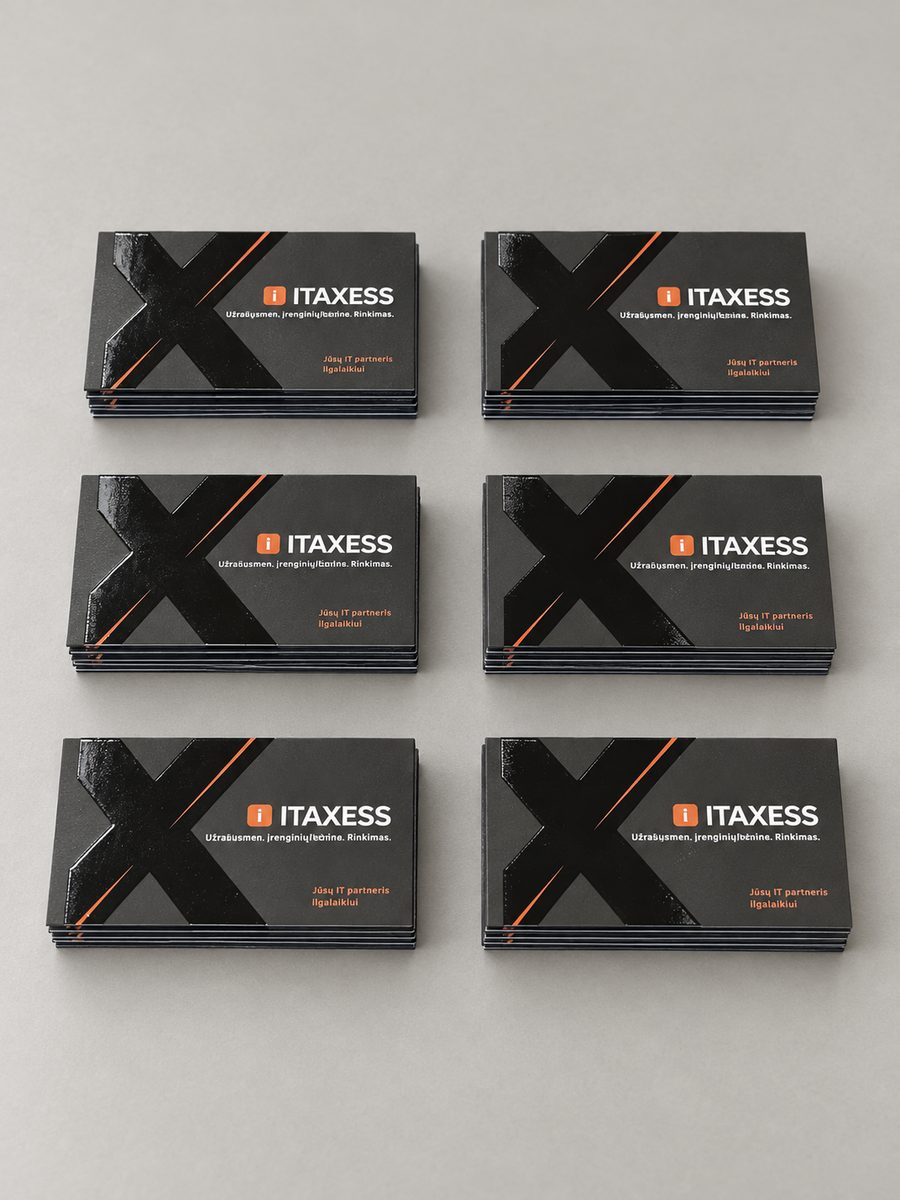
If you want one “wow” element, pick a single finish and use it with purpose — for example, foil on the logo only. It often looks better and costs less than combining several effects.
6. Size, shape and file preparation
The standard European business card size is 85 × 55 mm. It is the most economical, because the maximum number of cards fits on a print sheet and cutting is standardised. Non-standard sizes, square cards or folded cards need a different layout and sometimes a custom cutting die.
The state of your file matters too. If it is prepared correctly — in CMYK, with 2–3 mm bleed, fonts converted to outlines and sufficient resolution — the job moves quickly. For screen printing, each colour is prepared as a separate solid layer, so it is best to agree on file requirements at the start. If errors need fixing or the design has to be created from scratch, that is separate work. Our team can also help with the design if you do not have a finished layout yet.
7. Turnaround — urgency has a price
Standard digitally printed business cards usually take a few working days. If you need them tomorrow or even today, the print shop has to rearrange its schedule, which can affect the price. Screen printing and complex finishes (foil, embossing, painted edges) take longer, because each stage is done separately.
The best way to save is to plan ahead — especially before trade shows, conferences and new hires.
8. How to compare quotes and avoid the cheapest-price trap
The cheapest quote is not always the best value. When comparing prices, check:
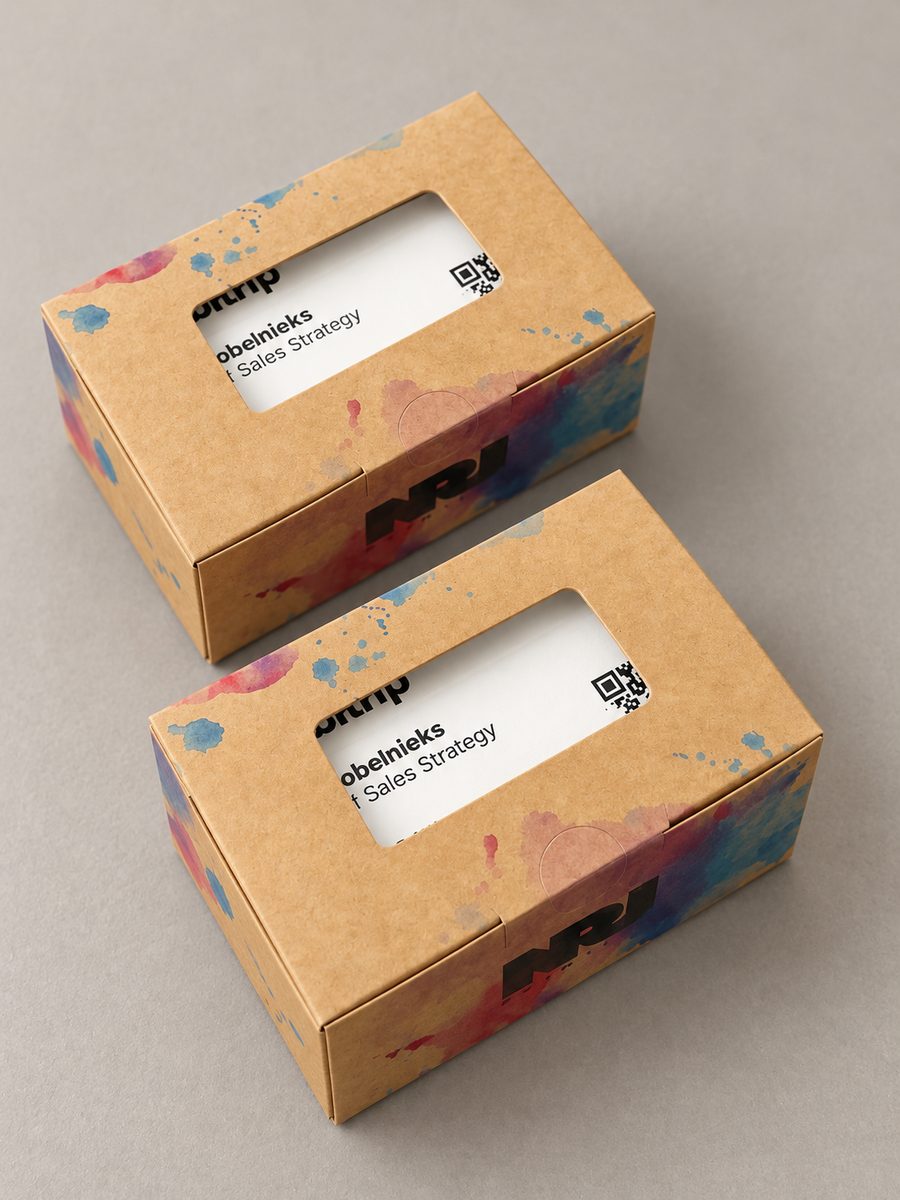
- Whether everything is included — file check, cutting, packaging and VAT.
- Exactly which paper is offered — 300 gsm and 400 gsm feel completely different in the hand.
- Whether you can see samples — paper and finishes look different in real life than on screen.
- Whether the printer checks your file — this protects you from unpleasant surprises such as text cut off at the edge.
- How you receive the order — pick-up in Riga or delivery.
A good printer will tell you if your request is more complex than it needs to be, and suggest how to achieve the same effect for less.
Summary
The price of business card printing in Riga comes down to quantity, printing method, paper, colours, finishing, size and turnaround. Digital printing is fastest for small runs, offset is the most economical for large ones, and screen printing lets you stand out with white or metallic ink on dark or designer board. For the best balance of price and quality, combine orders, stick to the standard size, invest in good paper and use one well-chosen finishing element.
Take a look at our business card printing options, or simply tell us what cards you need — we will prepare a specific quote with several options for different budgets.
